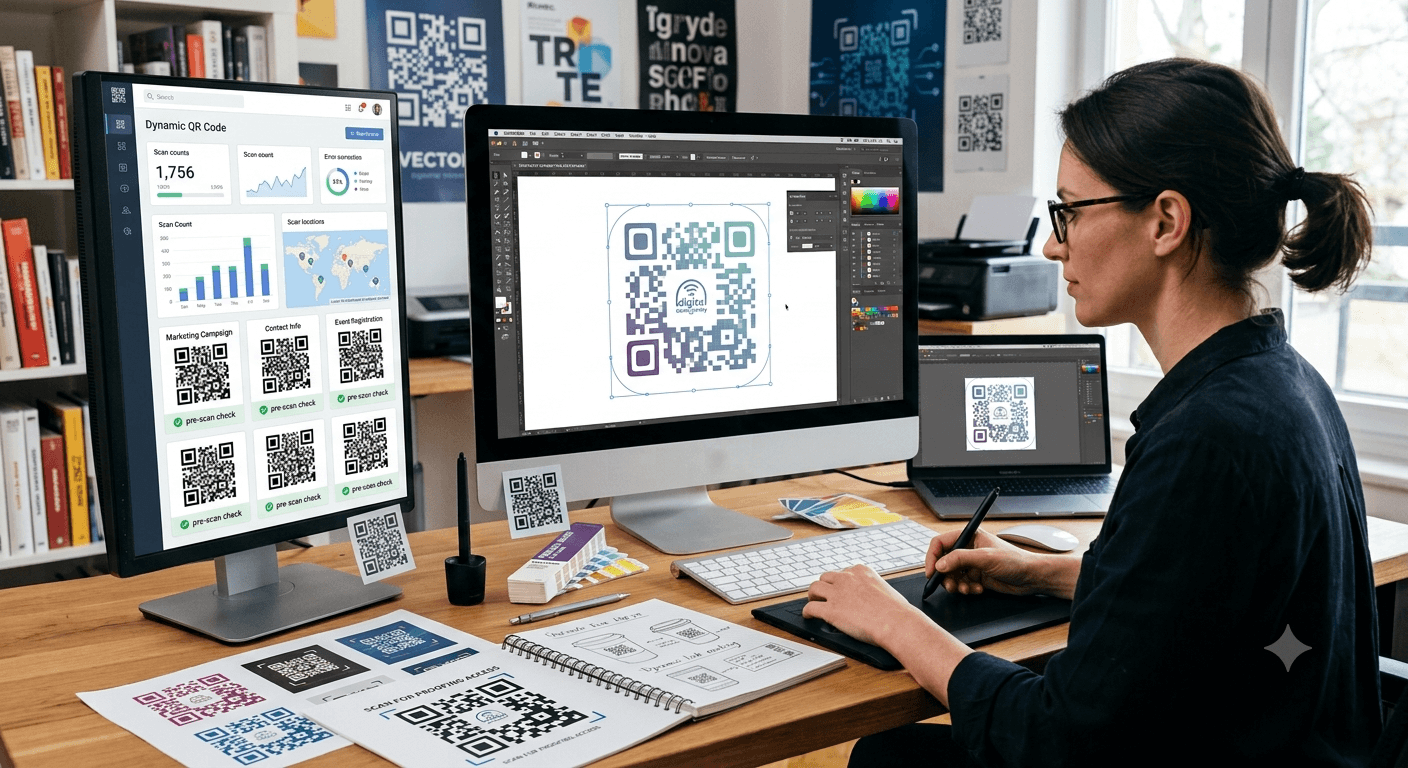
Understand the technical differences between PNG, SVG, and EPS file formats to ensure your printed QR codes and barcodes maintain crisp resolution and scan flawlessly.
QR codes are widely used on product packaging, business cards, posters, labels, menus, and marketing materials. While creating a QR code is simple, choosing the right file format for printing can make a major difference in quality and reliability.
A QR code that looks clear on a computer screen may become blurry, distorted, or difficult to scan when printed at a larger size. This is why understanding the differences between PNG, SVG, and EPS file formats is important before sending QR codes to a printer.
This guide explains the strengths and limitations of PNG, SVG, and EPS formats, when to use each one, and how to choose the best format for your QR code printing project.
Table of Contents
- Why QR Code File Format Matters
- What Is a PNG QR Code?
- What Is an SVG QR Code?
- What Is an EPS QR Code?
- PNG vs. SVG vs. EPS Comparison
- How to Choose the Right QR Code Format
- Best Practices for Printing QR Codes
- Common Printing Mistakes to Avoid
- Expert Tips
- Summary
- Frequently Asked Questions
Why QR Code File Format Matters
A QR code must remain accurate and readable for smartphones to scan it successfully. Even small printing problems can affect performance.
The most common issues caused by choosing the wrong file format include:
- Blurry edges when printed at large sizes
- Distorted QR code patterns
- Poor contrast between the code and background
- Scanning failures caused by low image quality
- Difficult editing during the design process
The right file format ensures your QR code stays sharp, professional, and functional across different materials and printing methods.
What Is a PNG QR Code?
PNG (Portable Network Graphics) is a raster image format commonly used for digital graphics. It stores images as a collection of pixels, which means image quality depends on the resolution.
PNG files are one of the most popular choices for basic QR code use because they are easy to create, share, and upload.
Advantages of PNG QR Codes
- Works with almost all devices and design software
- Easy to upload to websites and digital platforms
- Supports transparent backgrounds
- Simple for everyday marketing materials
- Usually smaller file sizes than vector formats
Limitations of PNG QR Codes
The main limitation is that PNG files do not scale infinitely. Enlarging a low-resolution PNG can make the QR code blurry because the pixels become stretched.
PNG is usually suitable for:
- Websites
- Email marketing
- Digital presentations
- Small printed materials
- Social media graphics
What Is an SVG QR Code?
SVG (Scalable Vector Graphics) is a vector-based file format that uses mathematical paths instead of pixels. This allows the image to be resized without losing quality.
For professional printing, SVG is often one of the best choices because QR codes remain sharp regardless of size.
Advantages of SVG QR Codes
- Can be resized without losing quality
- Maintains sharp edges when printed
- Works well with professional design software
- Ideal for large-format printing
- Easy to customize in vector editing programs
Limitations of SVG QR Codes
Some basic image editors do not handle SVG files as easily as PNG files. Users may need specialized design software to edit or export them properly.
SVG is commonly used for:
- Product packaging
- Large posters
- Store signs
- Banners
- Professional marketing materials
What Is an EPS QR Code?
EPS (Encapsulated PostScript) is another vector format commonly used in professional printing environments. It has been widely used by graphic designers, advertising agencies, and commercial printers for many years.
EPS files are designed for high-quality printing workflows and work well with professional publishing tools.
Advantages of EPS QR Codes
- Excellent print quality
- Scales to any size without losing sharpness
- Compatible with professional printing software
- Suitable for commercial production
Limitations of EPS QR Codes
EPS files are less convenient for everyday users because they usually require specialized design applications. They are also less commonly supported by modern web platforms.
EPS is often used for:
- Commercial packaging
- Professional print production
- Large advertising materials
- Brand identity projects
PNG vs. SVG vs. EPS Comparison
| Feature | PNG | SVG | EPS |
|---|---|---|---|
| Image type | Raster | Vector | Vector |
| Scalable without quality loss | No | Yes | Yes |
| Best for printing | Small projects | Excellent | Excellent |
| Easy for beginners | Yes | Moderate | No |
| Website use | Excellent | Good | Poor |
| Professional printing | Limited | Recommended | Recommended |
How to Choose the Right QR Code Format
The best format depends on where and how your QR code will be used.
Choose PNG If:
- You need a QR code for a website or digital campaign.
- The image will remain relatively small.
- You want a simple file that works everywhere.
- You do not need advanced editing.
Choose SVG If:
- You need high-quality printing.
- The QR code may be resized later.
- You are creating packaging, signs, or marketing materials.
- You want the best balance between quality and convenience.
Choose EPS If:
- You are working with a professional printer.
- Your project requires commercial production standards.
- You need compatibility with traditional design workflows.
For most businesses printing QR codes on physical materials, SVG is often the most practical option because it combines professional quality with broad usability.
Best Practices for Printing QR Codes
Use High Contrast
QR codes work best when there is a clear difference between the code and the background. Black codes on white backgrounds remain the most reliable option.
Maintain Proper Size
The required size depends on the scanning distance. A QR code on a business card can be smaller than one placed on a billboard or storefront sign.
Leave White Space Around the Code
The empty area around a QR code, known as the quiet zone, helps scanners identify the code correctly.
Test Printed Samples
A QR code that works on a computer screen may behave differently after printing. Always test physical samples before producing large quantities.
Avoid Distortion
Never stretch QR codes unevenly. Changing the proportions can make the pattern unreadable.
Common Printing Mistakes to Avoid
Using Low-Resolution Images
A small PNG enlarged for a poster or package label may become blurry and unreliable.
Printing on Curved Surfaces
QR codes placed on curved packaging may become difficult for cameras to interpret if they are heavily distorted.
Adding Too Many Design Effects
Colors, logos, and decorative elements should not interfere with the QR code pattern.
Skipping Testing
Always scan the final printed version before distributing products or marketing materials.
Choosing the Wrong Format for the Project
A file format designed for digital use may not be suitable for professional printing.
Expert Tips
- Use SVG for most professional QR code printing projects.
- Keep PNG files at a high resolution when printing is required.
- Ask your printer which file format they prefer before submitting artwork.
- Always keep the original vector file for future resizing.
- Test QR codes after final design changes.
- Use clear calls-to-action next to QR codes to encourage scanning.
- Avoid placing QR codes where customers cannot easily access them.
Summary
Choosing the right QR code file format can determine whether your printed code works reliably or creates frustration for customers. PNG files are convenient for digital use and small projects, while SVG and EPS formats provide the scalability needed for professional printing.
For most businesses creating packaging, signs, labels, and marketing materials, SVG offers an excellent combination of quality, flexibility, and ease of use. Understanding the differences between these formats helps ensure your QR codes remain sharp, functional, and ready for any printing project.
Frequently Asked Questions
1. Which QR code format is best for printing?
SVG and EPS are usually the best choices for printing because they are vector formats that maintain quality at any size.
2. Is PNG good enough for printing QR codes?
PNG can work for small printed materials if the resolution is high enough. However, it may lose quality when enlarged.
3. Should I use SVG or EPS for professional printing?
Both provide excellent quality. SVG is often easier to use with modern design tools, while EPS remains popular in traditional professional printing workflows.
4. Can I convert a PNG QR code into SVG?
Yes, but converting a low-quality PNG into a vector file does not automatically improve the QR code. It is better to generate the QR code directly in a vector format.
5. Does file format affect QR code scanning?
The file format itself does not affect scanning, but poor image quality, distortion, or incorrect printing can make a QR code difficult or impossible to scan.
6. What QR code format should I use for product packaging?
SVG is usually recommended because packaging designs often require resizing and professional-quality printing.
7. Where can I create a QR code for printing?
You can create QR codes in formats suitable for digital and print projects using our free QR Code Generator.