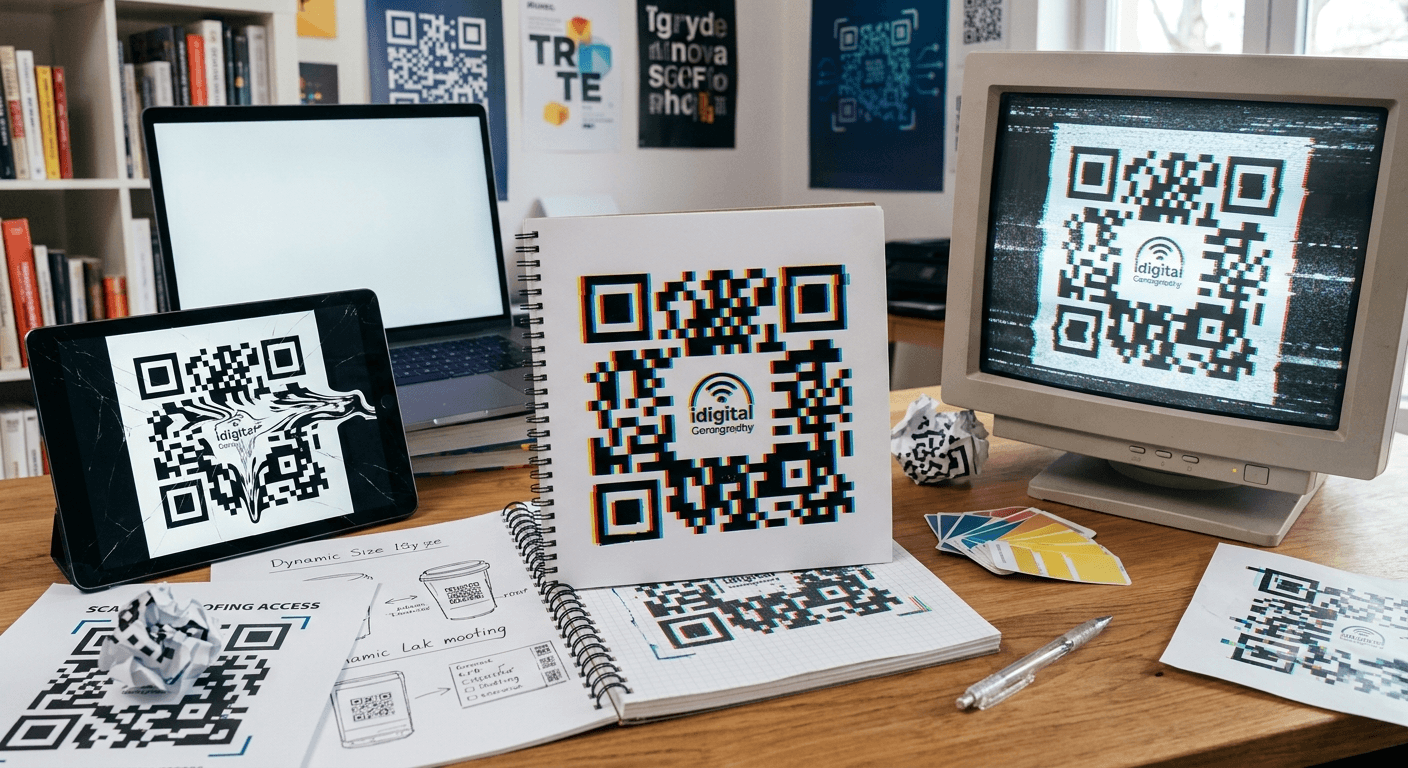
Troubleshoot unscannable QR codes. Learn how low contrast, missing quiet zones, pixel blurriness, and broken links cause scan failures and how to fix them.
QR codes have become an essential tool for connecting offline materials with digital experiences. Businesses use them on menus, product packaging, posters, receipts, business cards, and advertisements to help customers quickly access websites, make payments, download information, or interact with online services.
When a QR code works properly, the experience feels effortless. A customer points their phone camera at the code, receives a link, and completes the intended action within seconds. But when a QR code refuses to scan, it can create confusion and frustration.
The good news is that most QR code scanning problems are caused by a few common issues. Problems with image quality, printing, placement, design, or the destination link can all prevent successful scans.
This guide explains why QR codes fail to scan, how to identify the problem, and the practical steps you can take to fix common QR code errors.
Table of Contents
- QR Code Size Is Too Small
- Poor Image Quality or Low-Resolution Files
- Insufficient Contrast Between the QR Code and Background
- QR Code Damage or Printing Problems
- Incorrect Scanning Conditions
- Broken or Incorrect QR Code Links
- Over-Designed or Customized QR Codes
- How to Test QR Codes Before Publishing
- Best Practices for Reliable QR Codes
- Frequently Asked Questions
1. QR Code Size Is Too Small
One of the most common reasons a QR code does not scan is that it is too small. QR scanners need enough visual information to recognize the individual patterns inside the code.
A QR code printed on a business card may work because users hold the card close to their phone. However, the same QR code size may fail when placed on a billboard, poster, storefront sign, or product display where customers scan from farther away.
How to Fix It
- Increase the physical size of the QR code.
- Consider the distance from which people will scan it.
- Avoid shrinking QR codes just to fit a design layout.
- Test the printed version instead of relying only on the digital preview.
The right QR code size depends on the environment. A table menu, product label, and outdoor advertisement each require different sizing considerations.
2. Poor Image Quality or Low-Resolution Files
QR codes rely on precise patterns. If a QR code becomes blurry, pixelated, or distorted, smartphone cameras may struggle to identify the information correctly.
This problem often occurs when a small image file is enlarged for printing. For example, a low-resolution PNG created for a website may look acceptable on a screen but become unclear when printed on packaging or marketing materials.
How to Fix It
- Use high-quality QR code images.
- Choose vector formats such as SVG for professional printing.
- Avoid stretching or compressing QR code images.
- Request a printed sample before producing large quantities.
If you need QR codes for websites, product labels, business cards, or promotional materials, you can use our free QR Code Generator.
3. Insufficient Contrast Between the QR Code and Background
QR scanners work by identifying the difference between the dark and light areas of the code. If the contrast is too weak, the camera may not recognize the pattern.
Creative designs can look attractive, but appearance should never reduce functionality. A light-colored QR code on a light background or a code placed over a busy image can create scanning problems.
How to Fix It
- Use a strong contrast between the QR code and background.
- Avoid placing QR codes over photographs or textured designs.
- Keep the background clean and uncluttered.
- Use darker QR patterns with lighter backgrounds for better reliability.
Traditional black-and-white QR codes remain one of the most dependable choices because they provide excellent readability.
4. QR Code Damage or Printing Problems
A QR code may work perfectly when created but fail after printing because of physical damage or production issues.
Common examples include:
- Scratched packaging labels
- Folded brochures
- Ink smudging
- Poor printing alignment
- Placement on curved surfaces
Even small interruptions in the QR pattern can prevent successful scanning.
How to Fix It
- Place QR codes on flat surfaces whenever possible.
- Avoid printing across folds or seams.
- Use durable materials for outdoor applications.
- Replace damaged labels or printed materials.
5. Incorrect Scanning Conditions
Sometimes the QR code is working correctly, but the scanning environment creates problems.
Users may have difficulty scanning when the phone is too close, too far away, tilted at an extreme angle, or used in poor lighting.
How to Fix It
- Hold the camera steady.
- Make sure the entire QR code appears inside the camera frame.
- Adjust the distance between the phone and QR code.
- Avoid scanning in extremely dark conditions.
Businesses should test QR codes in real-world conditions. A QR code displayed inside a restaurant and one placed on a roadside advertisement will have different scanning challenges.
6. Broken or Incorrect QR Code Links
A QR code can scan successfully but still fail to provide a useful experience if the destination link is incorrect or unavailable.
Common link problems include:
- Deleted webpages
- Expired promotions
- Incorrect website addresses
- Slow-loading pages
- Non-mobile-friendly websites
A customer who scans a QR code expects immediate access to helpful information. A broken destination can damage trust and reduce engagement.
How to Fix It
- Check QR code links regularly.
- Update outdated pages and promotions.
- Make sure landing pages work on smartphones.
- Test links after making website changes.
7. Over-Designed or Customized QR Codes
Many businesses customize QR codes with brand colors, logos, and creative designs. While customization can improve appearance, too many changes can interfere with scanning.
A QR code must maintain its essential structure. Removing important elements or adding excessive design features can make it difficult for cameras to read.
How to Fix It
- Keep the QR pattern clear and recognizable.
- Avoid covering large sections with logos.
- Maintain enough empty space around the code.
- Test customized QR codes on different devices.
The best QR code designs balance branding with reliability.
How to Test QR Codes Before Publishing
Testing before launch prevents many scanning problems. A QR code should be checked both digitally and after printing.
- Scan with multiple devices. Different smartphones may have different camera capabilities.
- Test the physical print. Printed materials can behave differently from digital files.
- Check different environments. Test under various lighting conditions and distances.
- Confirm the destination works. Make sure the website, form, or digital content loads correctly.
- Ask someone else to test it. Another person may notice problems you missed.
Best Practices for Reliable QR Codes
- Use high-quality QR code files.
- Select the correct size for the intended location.
- Maintain strong contrast.
- Leave enough empty space around the QR code.
- Avoid stretching or modifying the code incorrectly.
- Keep linked content updated.
- Add a clear reason for customers to scan.
- Test before printing large quantities.
Examples of Effective QR Code Calls-to-Action
- Scan to View Our Menu
- Scan to Get Your Discount
- Scan to Book an Appointment
- Scan to Watch the Tutorial
- Scan to Register Your Product
Summary
When a QR code does not scan, the problem is usually caused by a simple issue such as poor image quality, incorrect sizing, weak contrast, printing damage, or a broken destination link.
Reliable QR codes require more than just generating the code. They need proper design, quality printing, correct placement, and regular testing. By following best practices, businesses can create QR code experiences that work smoothly for customers.
A QR code should make accessing information easier, not create another obstacle. Careful preparation ensures that every scan leads to a useful and successful interaction.
Frequently Asked Questions
1. Why is my QR code not scanning?
The most common causes are poor image quality, incorrect size, low contrast, physical damage, or a problem with the linked content.
2. Can a blurry QR code still work?
Sometimes, but blurry QR codes are unreliable. Using a high-quality image file and proper printing methods improves scanning performance.
3. What size should a QR code be for printing?
The ideal size depends on where it will be placed and how far away people will scan it. Larger displays generally require larger QR codes.
4. Why does my QR code scan but not open the website?
The QR code may contain a broken link, expired page, or incorrect destination address. Check that the linked content is available and mobile-friendly.
5. Can colors affect QR code scanning?
Yes. Low contrast colors can make QR codes harder for cameras to read. Strong contrast improves reliability.
6. Should I customize my QR code with a logo?
Yes, but customization should be limited. Logos and design changes should not cover important QR code areas or reduce scanning accuracy.
7. How can I make my QR code scan better?
Use a high-quality file, choose the right size, maintain contrast, avoid distortion, test the printed version, and make sure the destination provides value to users.